MomPilot Pro + DadPilot Pro Family Pack
For households that want both parent-focused family planners.
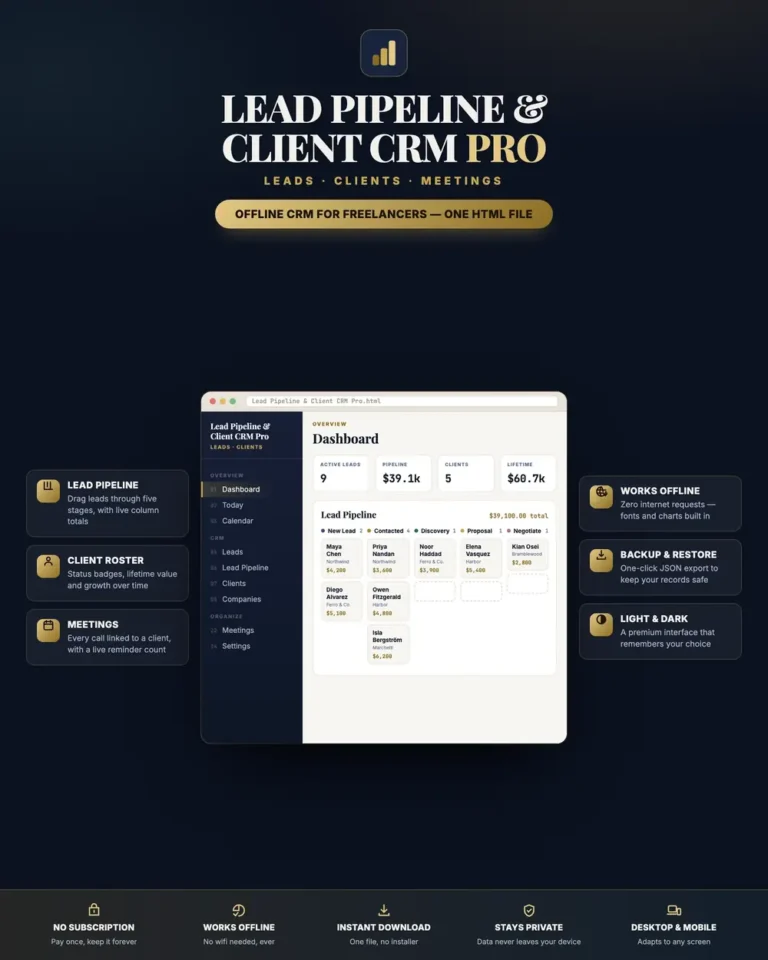
Two private offline family planners in one bundle.
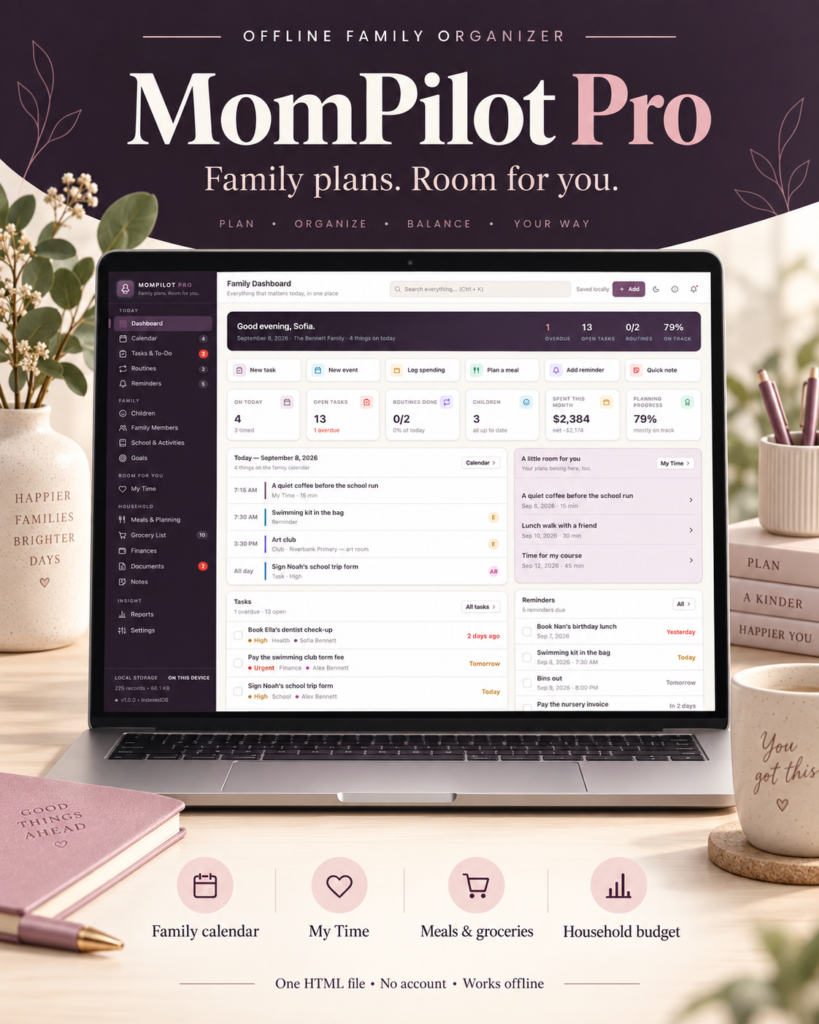
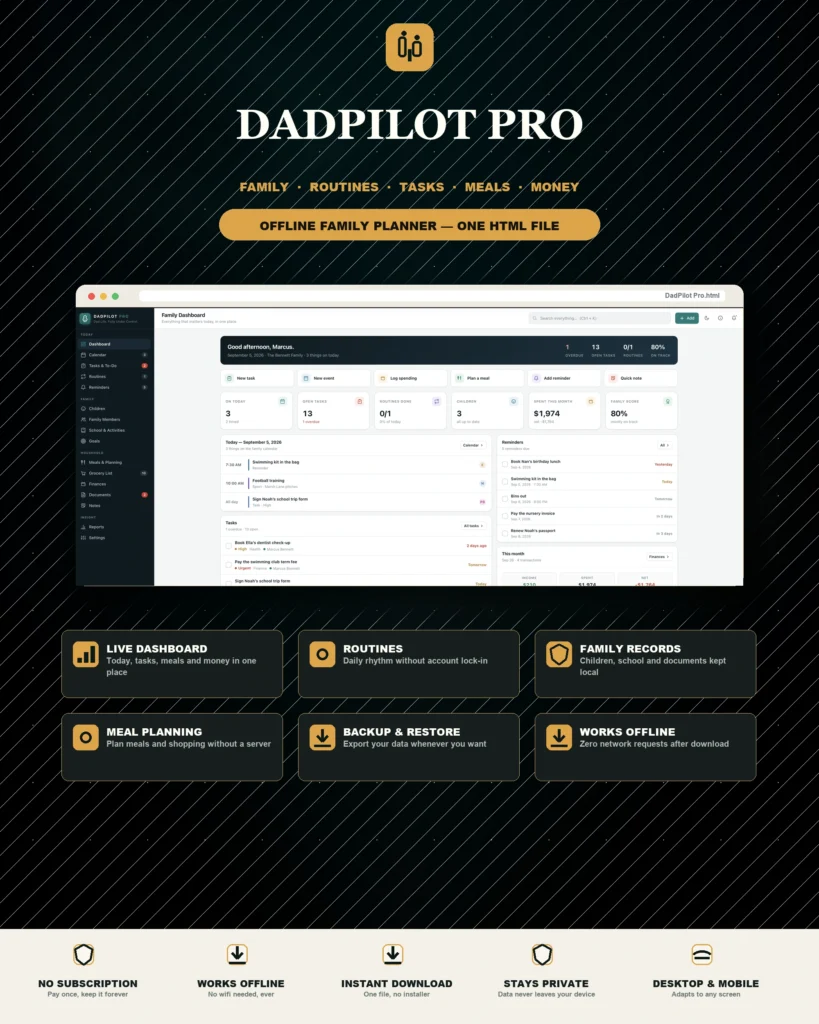
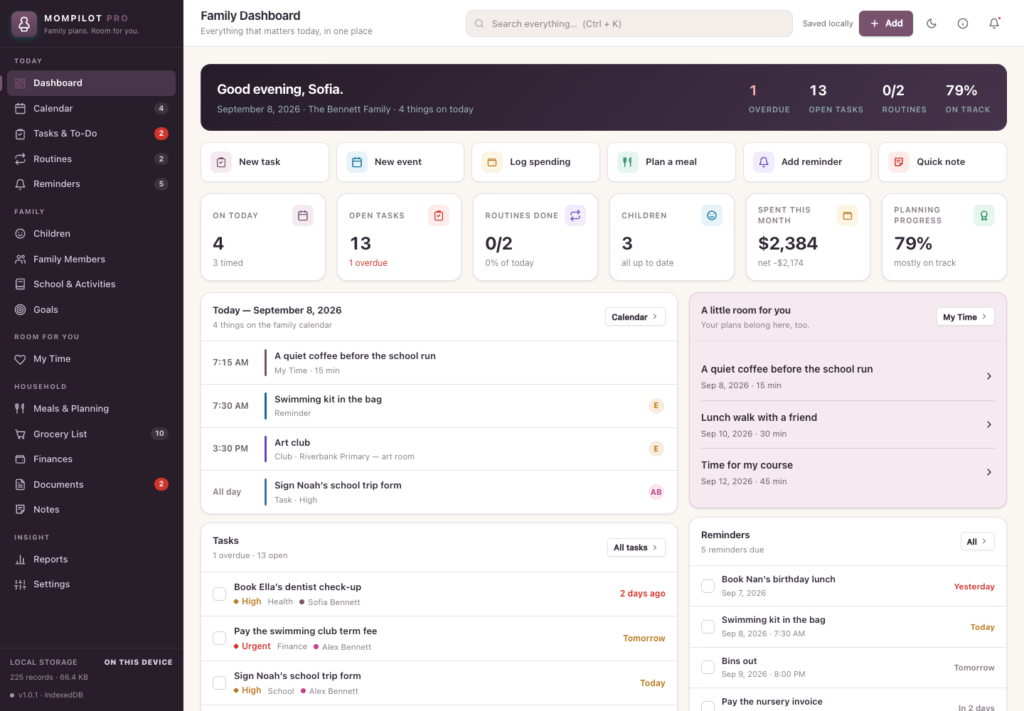
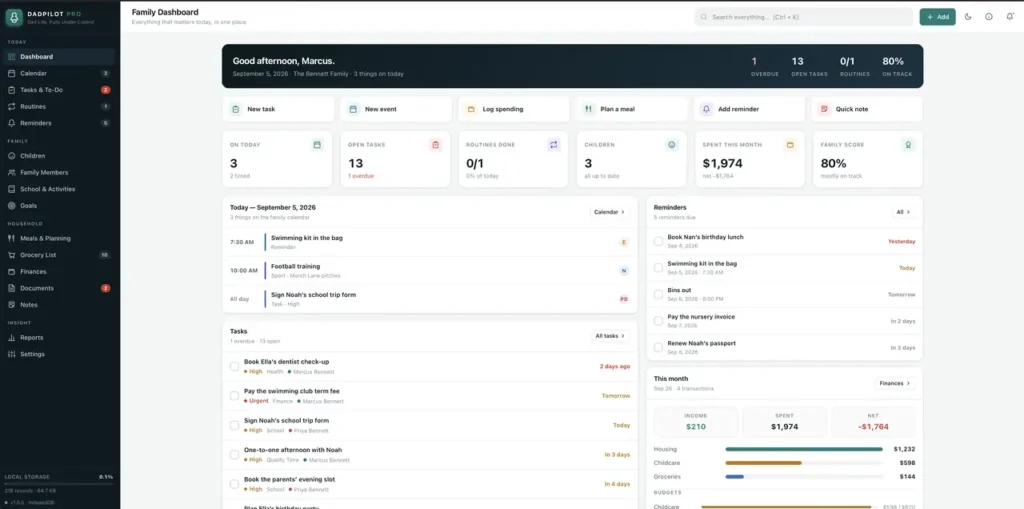
A short recording of the app, then the screens themselves.
$70
One-time purchase · yours to keep
Buy now- One payment - the file is yours to keep
- Works offline, no account, no subscription
- Your data stays on your own device
What's included
- 1 MomPilot Pro download package
- 1 DadPilot Pro download package
- 2 Getting Started guides
- 2 License files
Delivery
Instant Download
Your files will be available to download once payment is confirmed.
Two private offline family planners in one bundle.
Frequently asked questions
What do I actually get?
The complete MomPilot Pro and DadPilot Pro applications - two separate HTML files, each a full private family planner, at a lower combined price than buying them one at a time.
Do the two planners share data?
No. Each is its own offline file with its own storage. Use whichever fits the moment, or open both - they do not sync or overwrite each other.
Do I need an internet connection or an account?
Only to download the files. After that both planners work completely offline, with no account and no subscription.
Can I buy just one instead?
Yes, MomPilot Pro and DadPilot Pro are also sold separately. The bundle is for households who want both.
Where are our family’s records stored?
In your browser’s storage on your own device, for each planner separately. Export a JSON backup from each one regularly.
Is it a subscription?
No. One-time purchase for both applications - you pay once and the files are yours.
At a glance
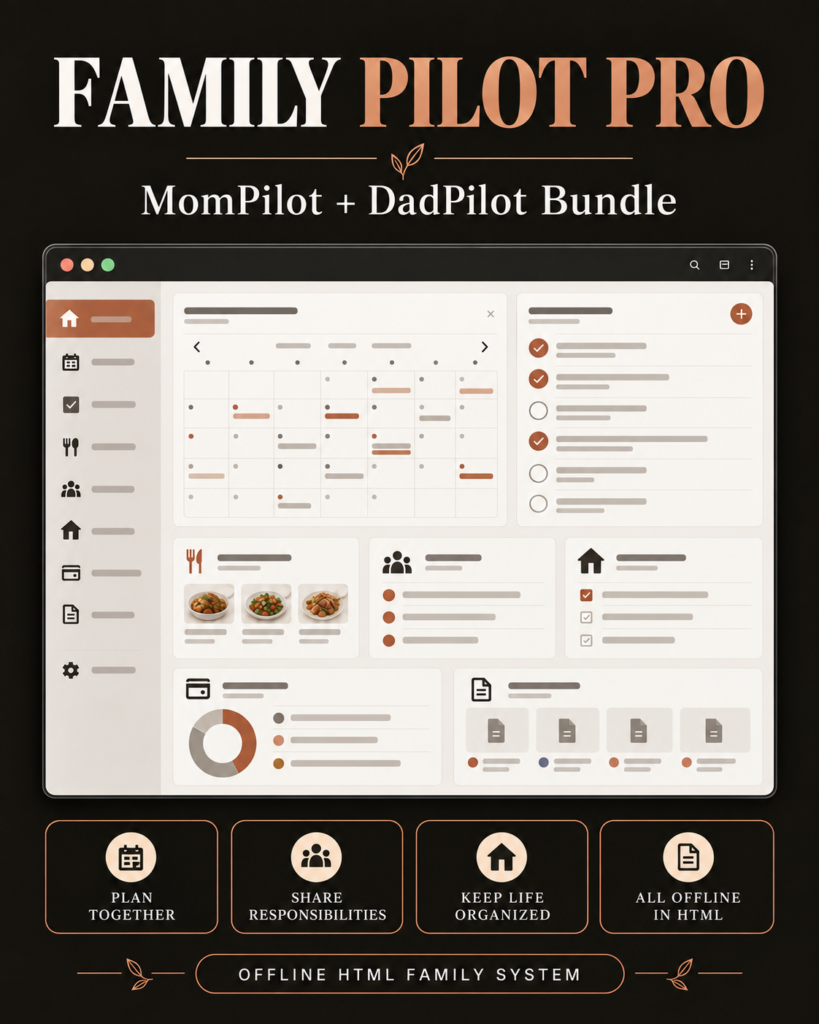
How it runs
-
1
Download
You get the application as one HTML file, with its documentation guide and its licence.
-
2
Open
Double-click it. It opens in the browser you already have - Chrome, Edge, Safari or Firefox. There is nothing to install and no account to create.
-
3
Keep
Your records save to that browser on that device. Export a backup from the app whenever you want a copy of your own.