

Lead Pipeline & Client CRM Pro
For consultants, designers, photographers and solo service providers.
A freelance pipeline: leads, clients, follow ups and what each one is worth.
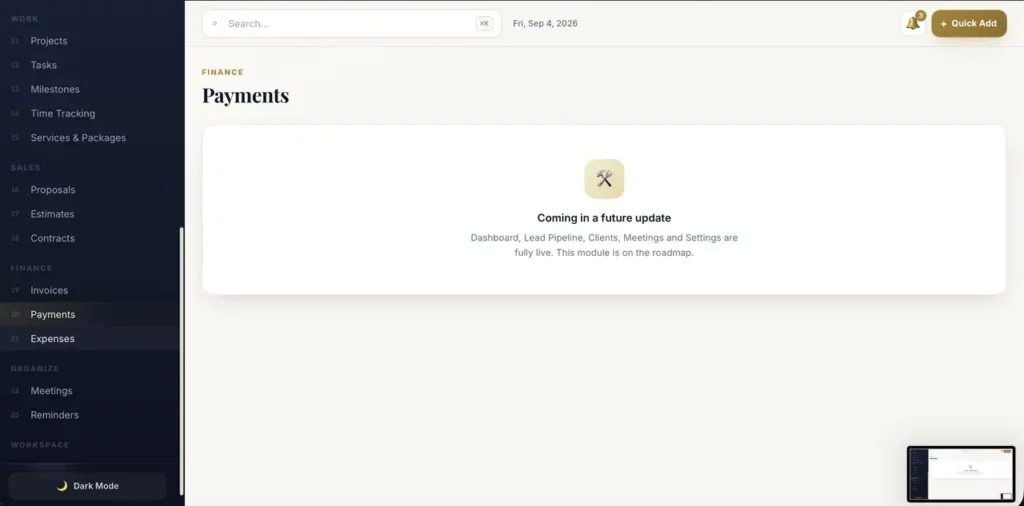
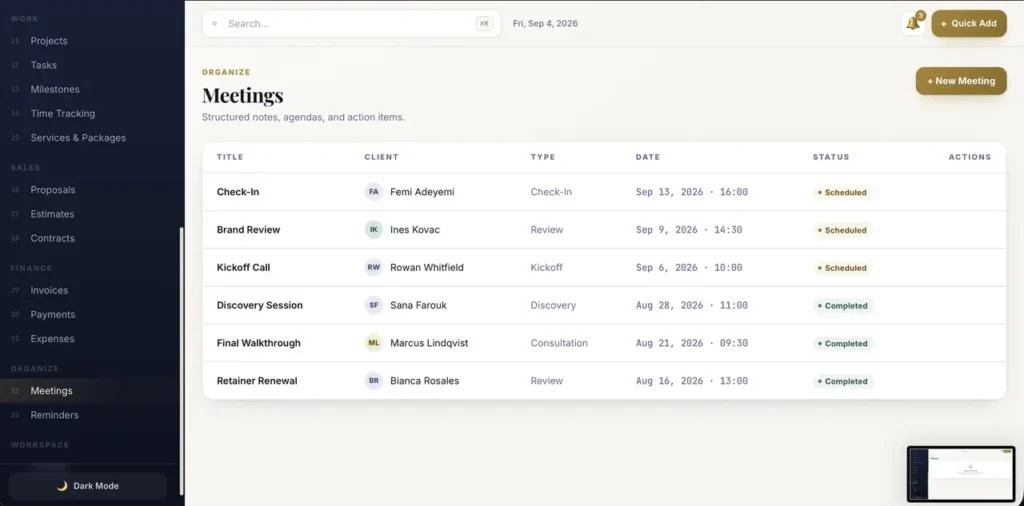
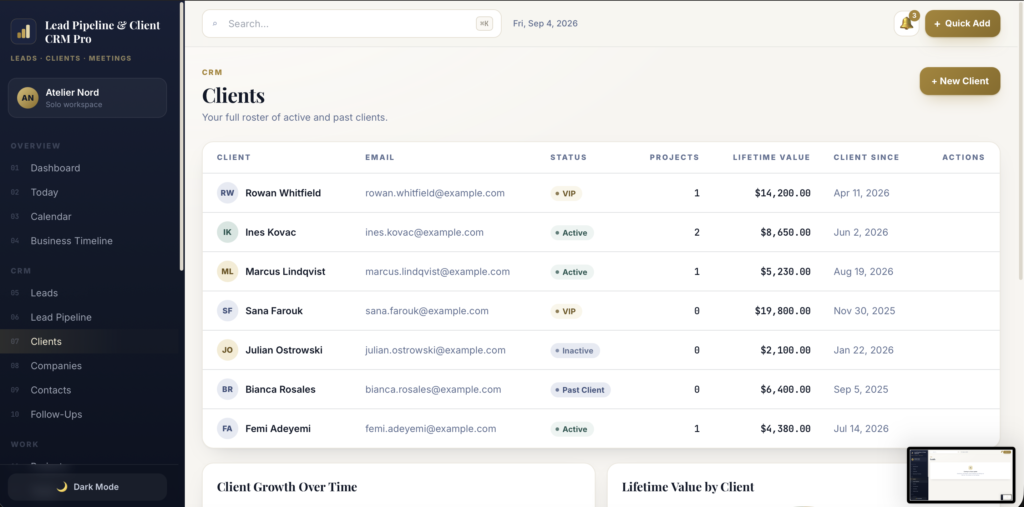
A short recording of the app, then the screens themselves.
$46
One-time purchase · yours to keep
Buy now- One payment - the file is yours to keep
- Works offline, no account, no subscription
- Your data stays on your own device
What's included
- 1 HTML file - the complete application
- 1 Getting Started guide (HTML)
- 1 License file
Delivery
Instant Download
Your files will be available to download once payment is confirmed.
Lead Pipeline & Client CRM Pro is a freelance client CRM built for consultants, designers, photographers, copywriters, virtual assistants, and solo service providers. It runs as a single HTML file - no installation, no account, no monthly subscription.
Follow every opportunity from first enquiry to signed client, and keep your meetings and client records in one private dashboard.
Genuinely offline - not just "works offline-ish"
Most HTML dashboards quietly load their fonts, styling, and charts from the internet, so they break the moment you lose connection. This one doesn't. Every font, style, and chart library is embedded inside the file itself, and the app makes zero network requests. Open it on a plane, in a café with no wifi, or on a computer that has never been online - it looks and works exactly the same.
Your records never leave your machine. Nothing is uploaded anywhere, ever.
Dashboard
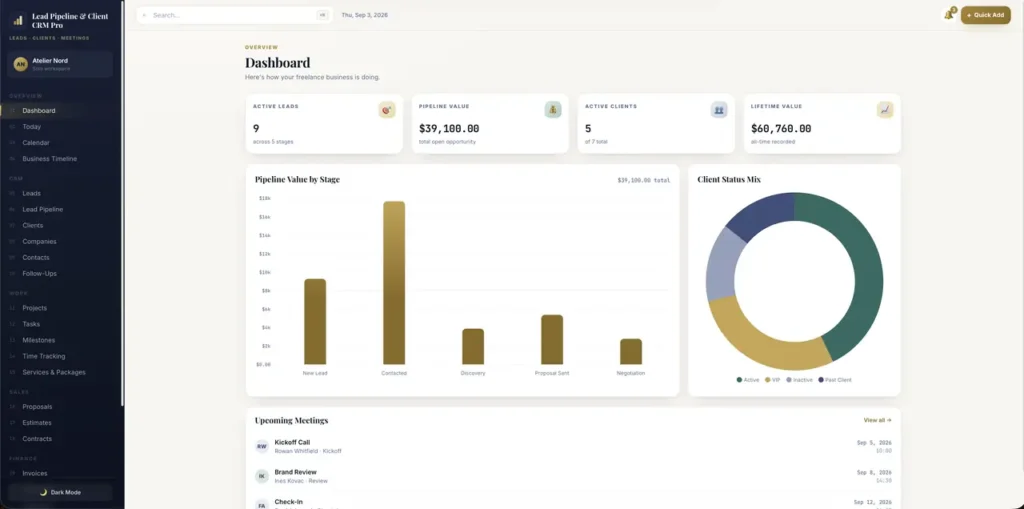
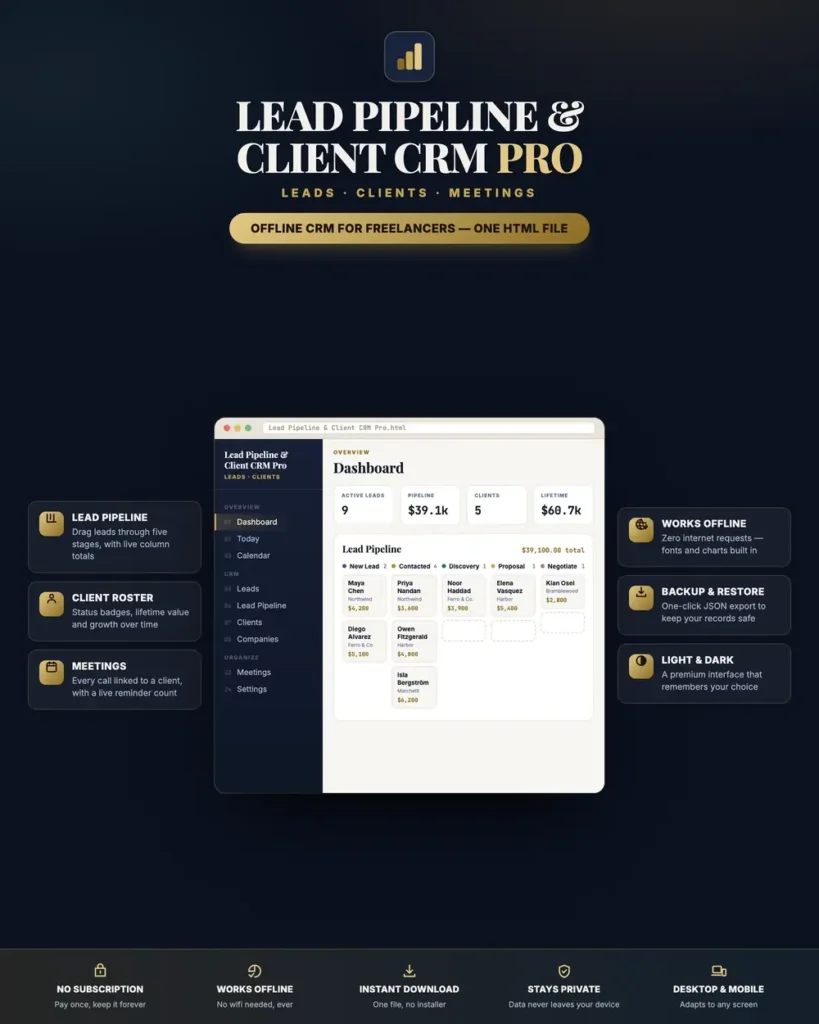
- Live KPI cards: active leads, total pipeline value, active clients, and lifetime client value
- Interactive bar chart of pipeline value broken down by stage
- Client status donut showing your VIP / Active / Inactive / Past mix
- An upcoming meetings panel, always sorted by what's next
Visual lead pipeline
- A drag-and-drop kanban board across five stages: New Lead → Contacted → Discovery → Proposal Sent → Negotiation
- Each column shows its lead count and running total value, so you always know what's in play
- Colour-coded stage markers and clean lead cards with company and deal value
- Drag a card to move it, or tap to open and edit - the stage saves instantly
Client roster
- A full client table with status badges, active project count, lifetime value, and client-since date
- Client growth chart tracking your roster over the last six months
- Lifetime-value breakdown showing exactly which clients are worth the most
- Rename a client and their linked meetings update automatically - no orphaned records
Meetings
- Log kickoffs, discovery calls, check-ins, reviews, and consultations
- Every meeting links to a client, with date, time, and Scheduled / Completed status
- A notification bell with a live count of everything still on the books
Built to be fast to use
- Quick Add button to create a lead, client, or meeting from anywhere in the app
- Global search across leads, clients, and meetings at once - press ⌘K or Ctrl K
- Edit or delete any record with one click, with confirmation before anything is removed
- Esc to close, click-outside to dismiss, and keyboard focus handled properly throughout
Make it yours
- Polished light and dark mode, remembered between sessions
- Set your own business name - it appears in the sidebar
- Currency picker: USD, EUR, GBP, CAD, and MAD
- A premium navy-and-brass interface with real typography, not a spreadsheet in disguise
Your data, your control
- Records save automatically to your browser as you work
- One-click JSON export to back up everything, and JSON import to restore it or move to a new computer
- If your browser ever blocks storage, the app tells you immediately in plain language instead of silently losing your work
- Reset to the sample data at any time to start fresh
What is included
n
This product includes the working CRM modules described on this page: Dashboard, Lead Pipeline, Clients, Meetings, and Settings. The listing, screenshots, and support cover those included modules.
Compatibility
Works in any modern browser: Chrome, Edge, Safari, or Firefox. Responsive on desktop, laptop, tablet, and phone, with a slide-out menu on smaller screens. Desktop gives the best experience for the pipeline board; on touchscreens, tap a lead card to change its stage.
Honest limitations
Because this is an offline application, it does not send emails, process payments, connect to banks, or sync between devices or browsers. Changing the currency updates the symbol only - it does not convert amounts. All figures come from what you enter yourself. This is a business organisation tool, not accounting, tax, or legal advice.
This is a digital download - no physical item will be shipped. Change-of-mind purchases are final once the file has been delivered; faulty or misdescribed files are covered by the refund policy.
Frequently asked questions
Do I need an internet connection?
Only to download the file. After that it makes zero network requests - every font, style and chart is embedded in the file itself.
Are all the modules in the sidebar working?
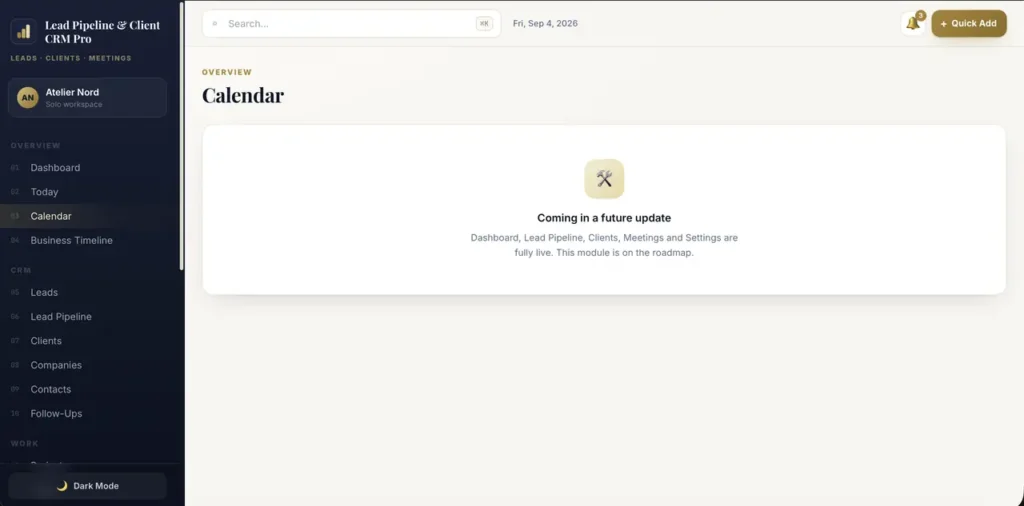
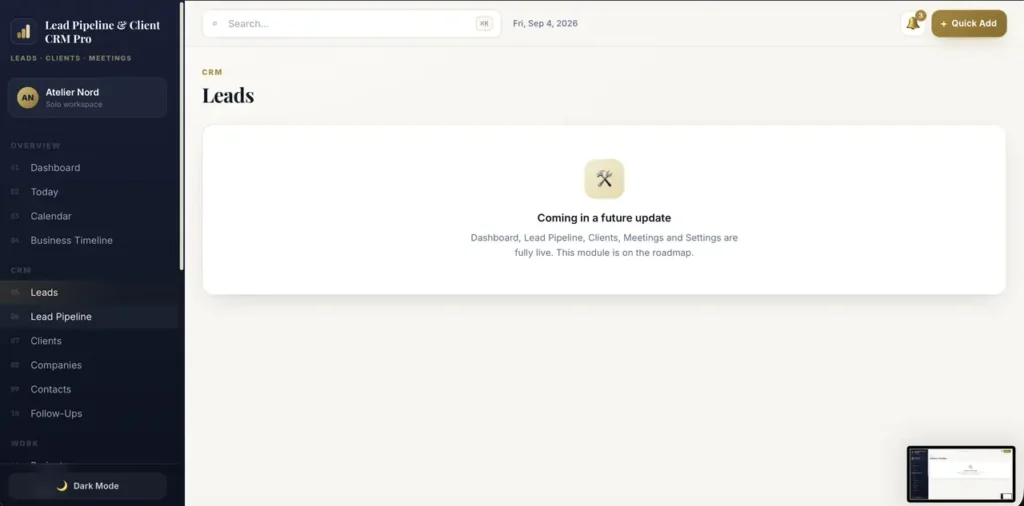
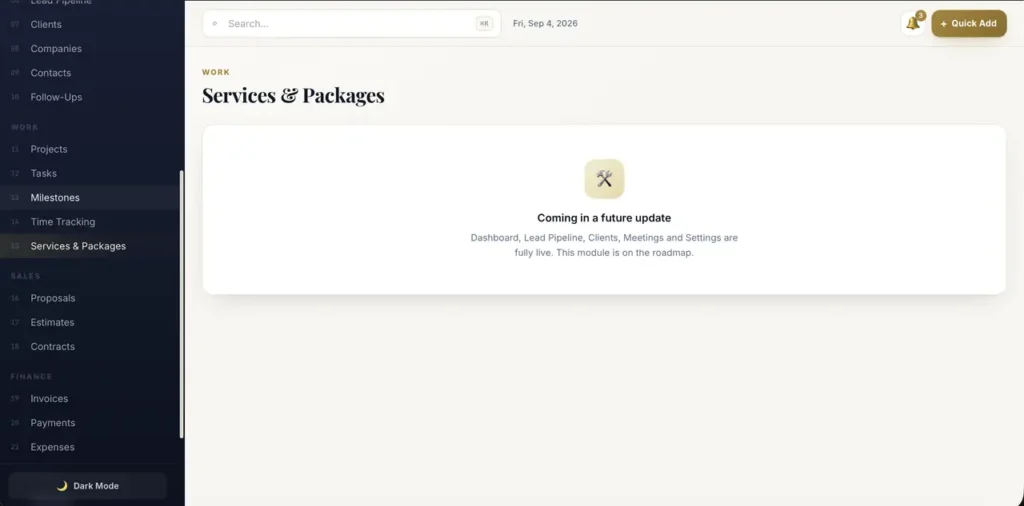
Dashboard, Lead Pipeline, Clients, Meetings and Settings are complete and working. Projects, Tasks, Invoices, Payments and Proposals are on the roadmap and currently open a “coming in a future update” page - please check this before buying if you need them today.
How does the pipeline board work?
Drag a lead card between five stages, New Lead through Negotiation, or tap it to edit. Each column shows its count and running value, so you always know what is in play.
Can I use it for more than one freelance business?
It is built around one workspace. Export a JSON backup to keep separate businesses in separate files, or restore a different backup when you switch.
Where are my leads and clients stored?
In your browser’s storage on your own device. Nothing is uploaded anywhere. Export a JSON backup to keep a copy or move to a new computer.
Do currencies convert automatically?
No. Changing the currency picker updates the symbol only; it does not convert amounts.
Is it a subscription?
No. You pay once and the file is yours.
At a glance
How it runs
-
1
Download
You get the application as one HTML file, with its documentation guide and its licence.
-
2
Open
Double-click it. It opens in the browser you already have - Chrome, Edge, Safari or Firefox. There is nothing to install and no account to create.
-
3
Keep
Your records save to that browser on that device. Export a backup from the app whenever you want a copy of your own.


