

VeloceTrack
For car owners and anyone keeping more than one vehicle on the road.
Service history, costs, mileage and reminders for one vehicle or a fleet.
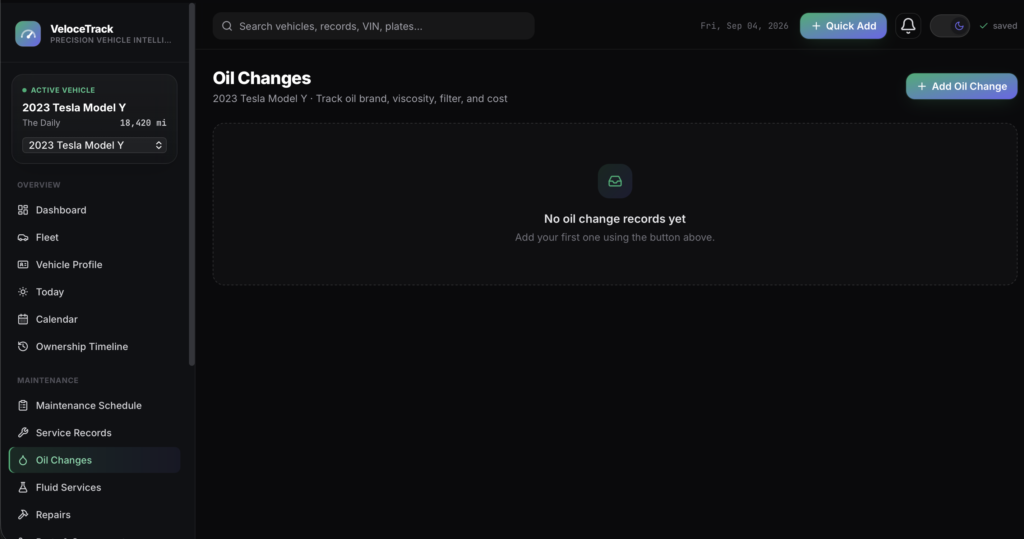
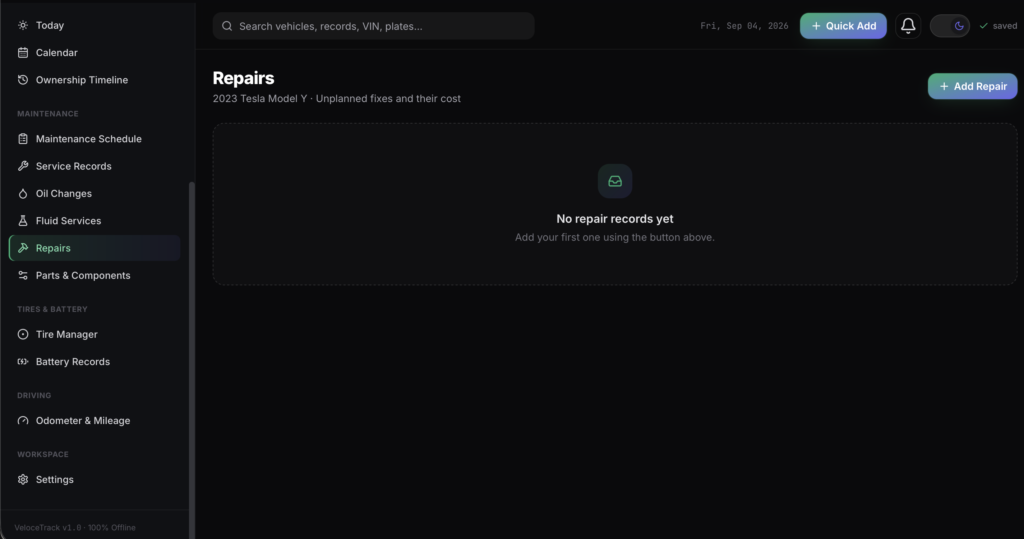
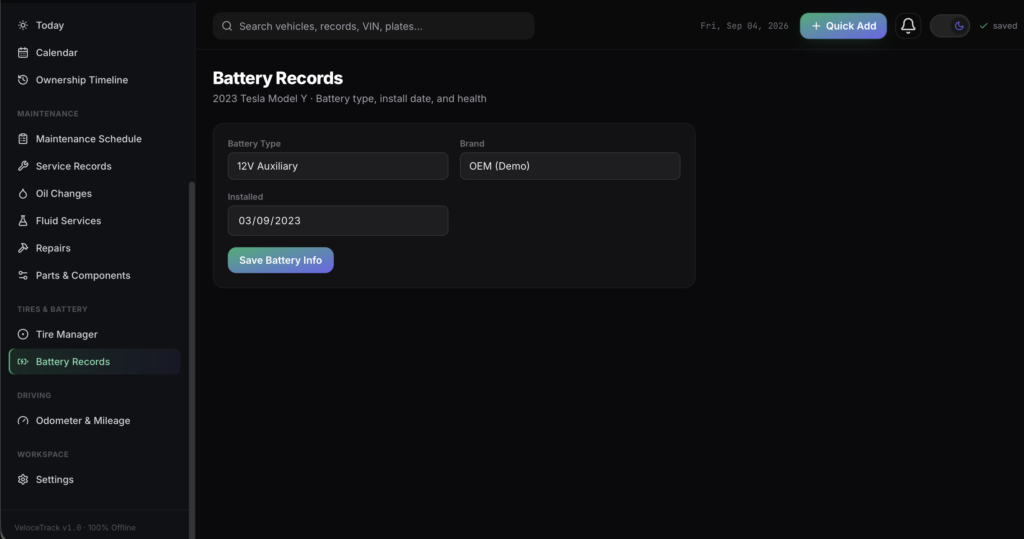
A short recording of the app, then the screens themselves.
$32.50
One-time purchase · yours to keep
Buy now- One payment - the file is yours to keep
- Works offline, no account, no subscription
- Your data stays on your own device
What's included
- 1 HTML file - the complete application
- 1 Getting Started guide (HTML)
- 1 License file
Delivery
Instant Download
Your files will be available to download once payment is confirmed.
VeloceTrack is an offline, all-in-one maintenance tracker built for car owners, gearheads, and anyone managing more than one vehicle. It runs as a single HTML file - no installation, no login, no monthly subscription, and no internet connection required after downloading.
Everything you need to stay on top of every vehicle lives on one private dashboard:
Dashboard & insights
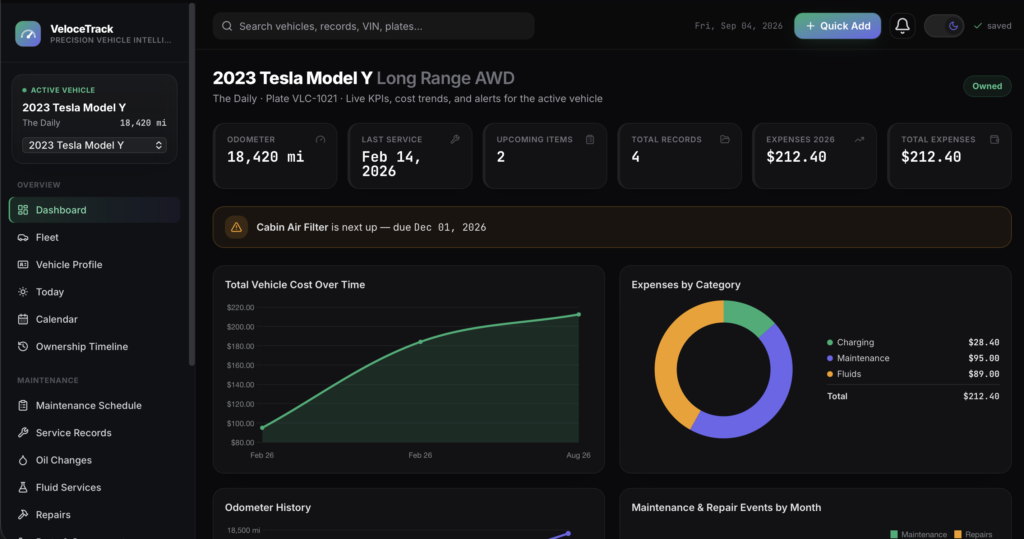
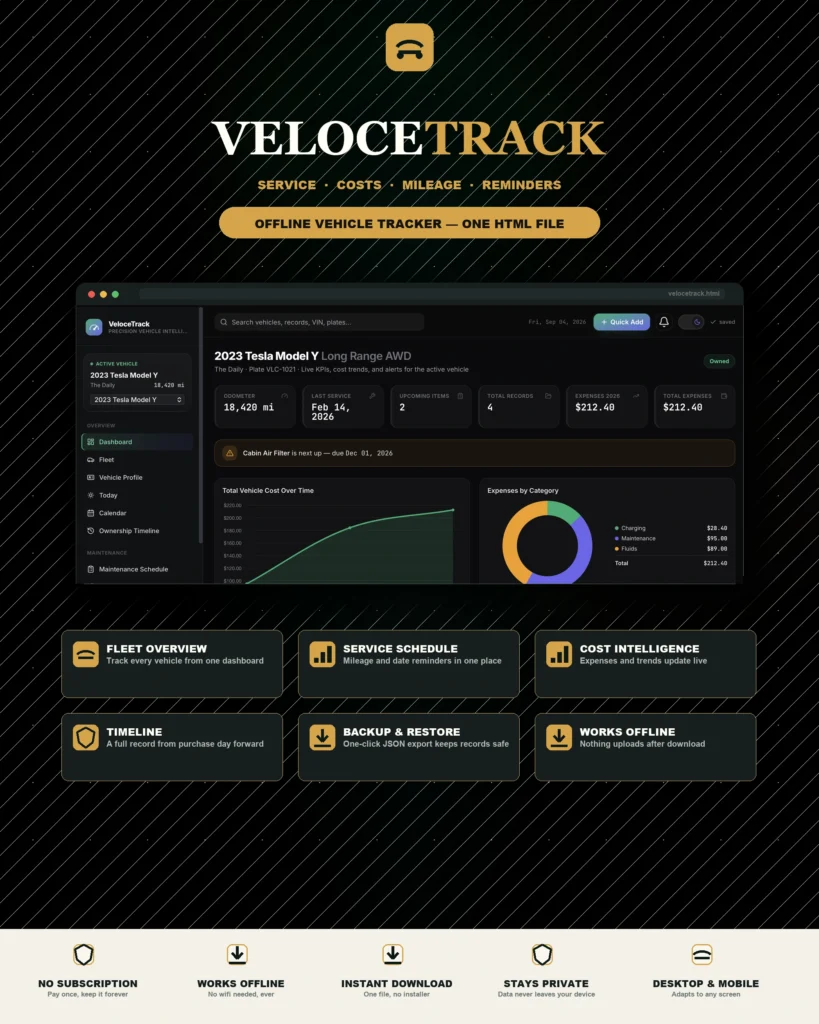
- Live KPI cards: current odometer, last service, upcoming items, total records, expenses this year, total expenses
- Interactive charts: cumulative cost over time, expenses by category, odometer history, maintenance & repair events by month
- An automatic alert banner surfaces whatever's due next
Fleet & vehicle profiles
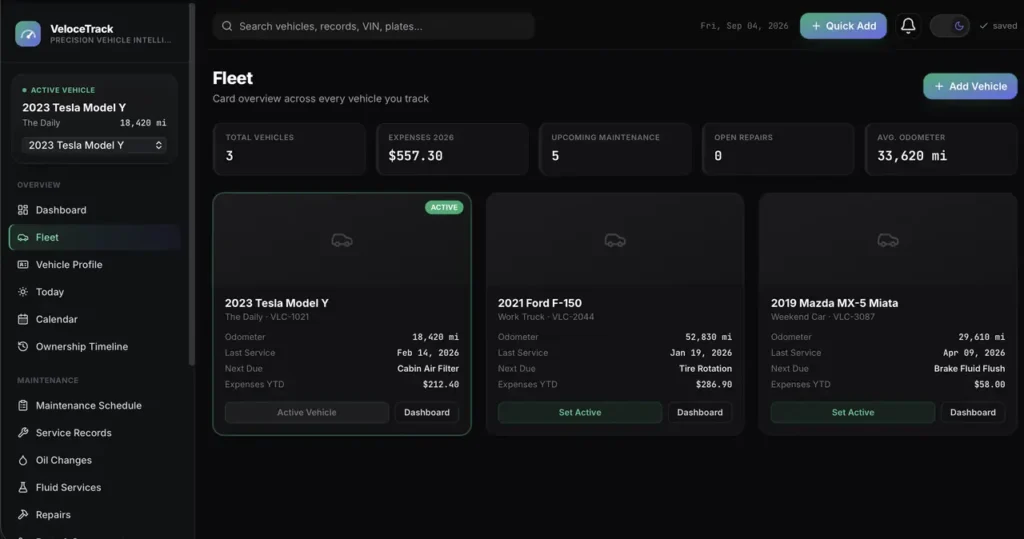
- Card-based Fleet overview across every vehicle you track, with fleet-wide KPIs (expenses YTD, upcoming maintenance, open repairs, average odometer)
- Full Vehicle Profile: year, make, model, trim, VIN, plate, purchase details, primary driver, and notes
- Add unlimited vehicles, and mark one Sold/Traded while keeping its complete history intact
Maintenance & service records
- A user-defined Maintenance Schedule - track by date or mileage, complete items in one click
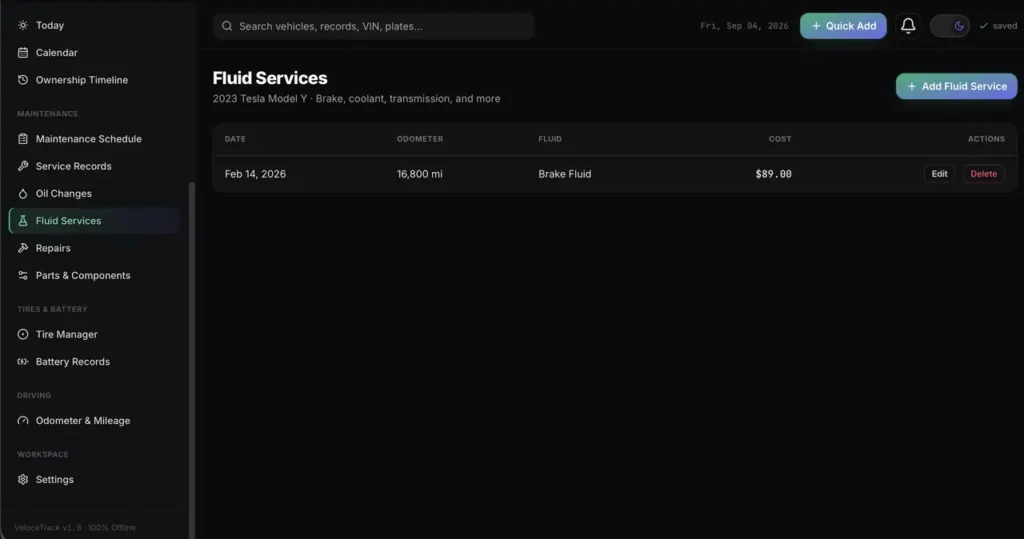
- Dedicated logs for Service Records, Oil Changes (brand, viscosity, filter), Fluid Services, Repairs, and Parts & Components
- Costs you log automatically roll into the Dashboard's expense charts - no double entry
Tires, battery & mileage
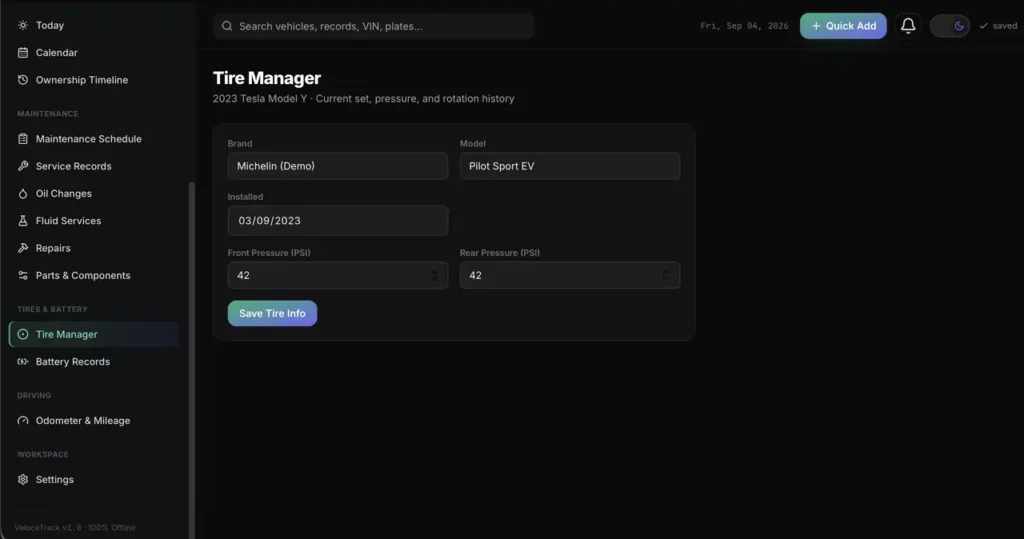
- Tire Manager: brand, model, install date, front & rear pressure
- Battery Records: type, brand, install date
- Odometer & Mileage log with its own running trend chart
Stay on top of everything
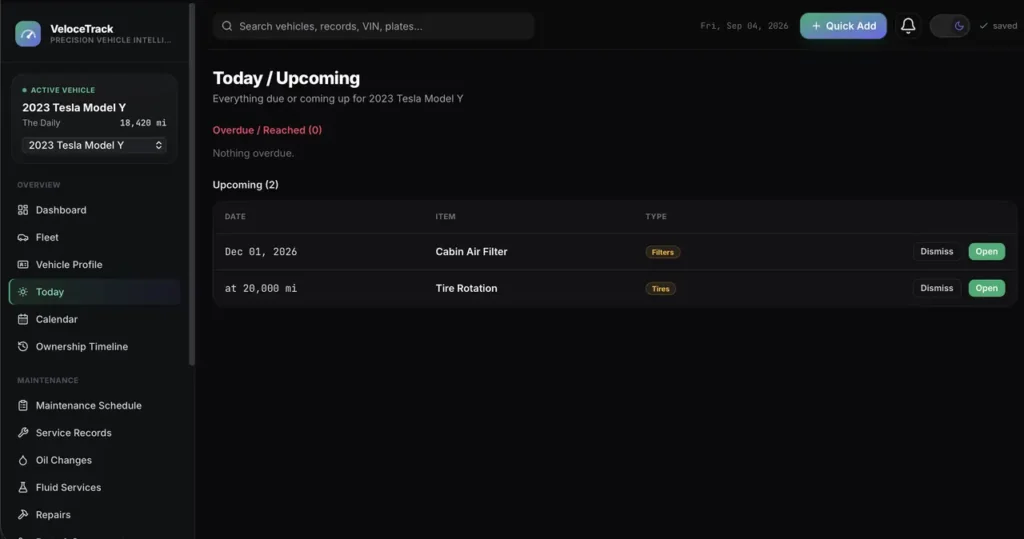
- A Today view splits Overdue vs. Upcoming maintenance at a glance
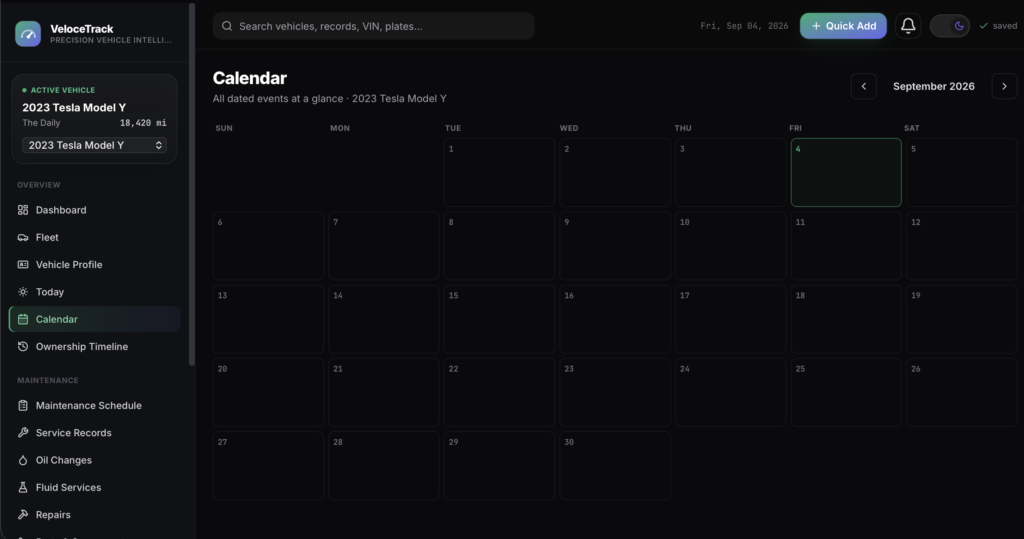
- A Calendar with month navigation and color-coded event markers
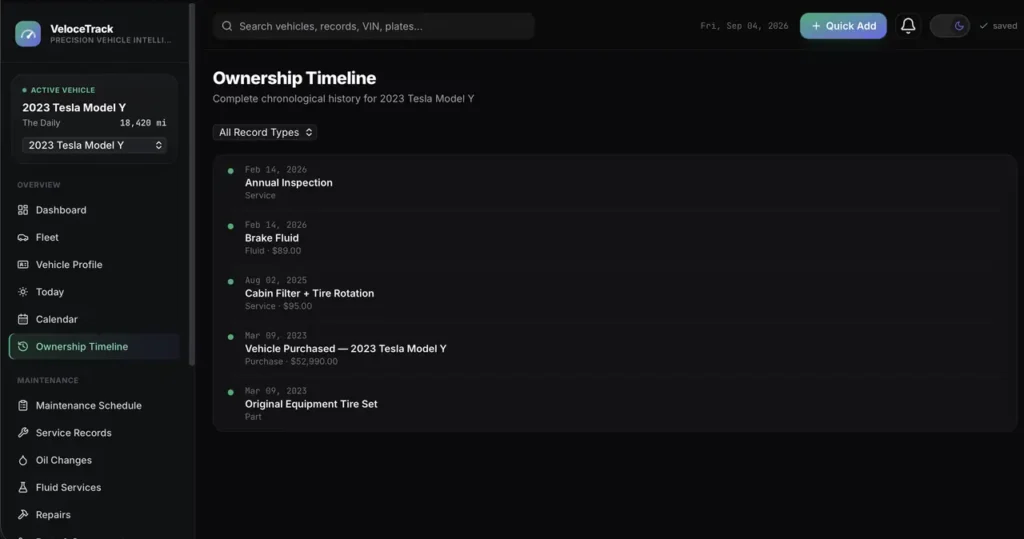
- An Ownership Timeline - a filterable, chronological history of every record for a vehicle, from purchase day forward
- A notification bell with a live overdue badge, and a Quick Add menu for one-click access to every record type from anywhere in the app
Make it yours
- Light and dark mode
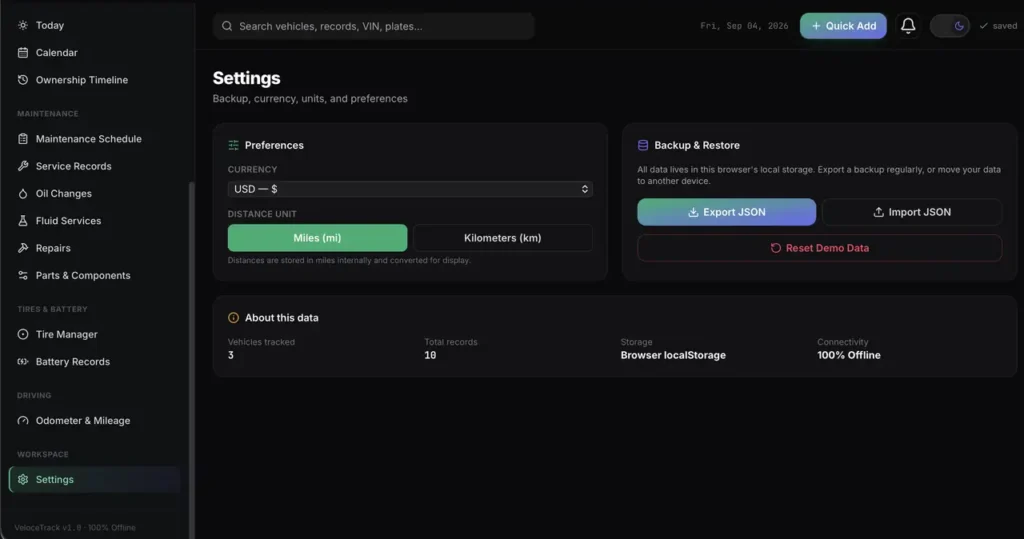
- Currency picker (USD, EUR, GBP, CAD, AUD, JPY) and a Miles/Kilometers switch - every figure converts automatically
- A clean, modern interface that works just as well on your phone as your laptop
Private by design
Nothing is ever uploaded anywhere. Every record stays in your own browser unless you choose to export it yourself.
Compatibility
Works in any modern desktop or mobile browser: Chrome, Edge, Safari, or Firefox. Fully responsive, with a mobile-friendly slide-out navigation menu.
This is a digital download - no physical item will be shipped. Change-of-mind purchases are final once the file has been delivered; faulty or misdescribed files are covered by the refund policy.
Frequently asked questions
Do I need an internet connection?
Only to download the file. After that it works completely offline, with no account and no subscription.
How many vehicles can I track?
As many as you like. The Fleet view shows every vehicle with fleet-wide KPIs, and you can mark one sold or traded while keeping its full history intact.
Does it track by date or by mileage?
Both. Set up your maintenance schedule either way, and complete items in one click when the work is done.
Do costs show up on the dashboard automatically?
Yes. Costs you log on any service, repair or part roll straight into the dashboard’s expense charts - there is no double entry.
Do miles and currency convert automatically?
Yes, both the Miles/Kilometers switch and the currency picker convert every figure in the app, not just the label.
Where are my vehicle records stored?
In your browser’s storage on your own device. Nothing is uploaded anywhere unless you export it yourself.
Is it a subscription?
No. You pay once and the file is yours.
At a glance
How it runs
-
1
Download
You get the application as one HTML file, with its documentation guide and its licence.
-
2
Open
Double-click it. It opens in the browser you already have - Chrome, Edge, Safari or Firefox. There is nothing to install and no account to create.
-
3
Keep
Your records save to that browser on that device. Export a backup from the app whenever you want a copy of your own.


