

MomPilot Pro
For moms organizing family life and personal time.
Family schedules, meals, routines, budgets and time for yourself in one offline planner.
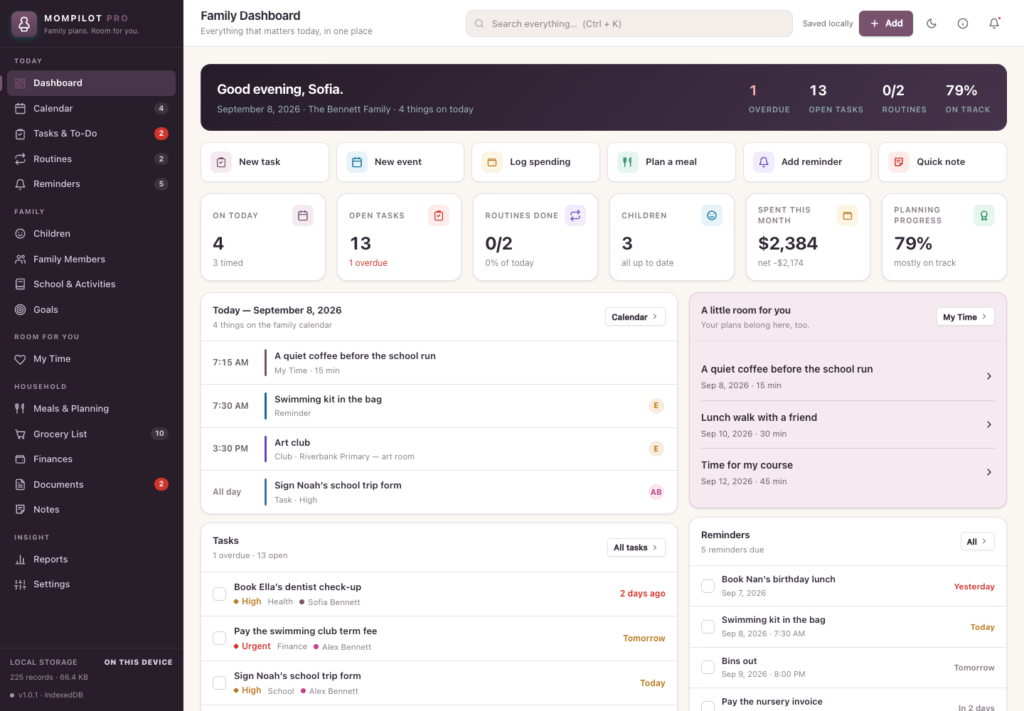
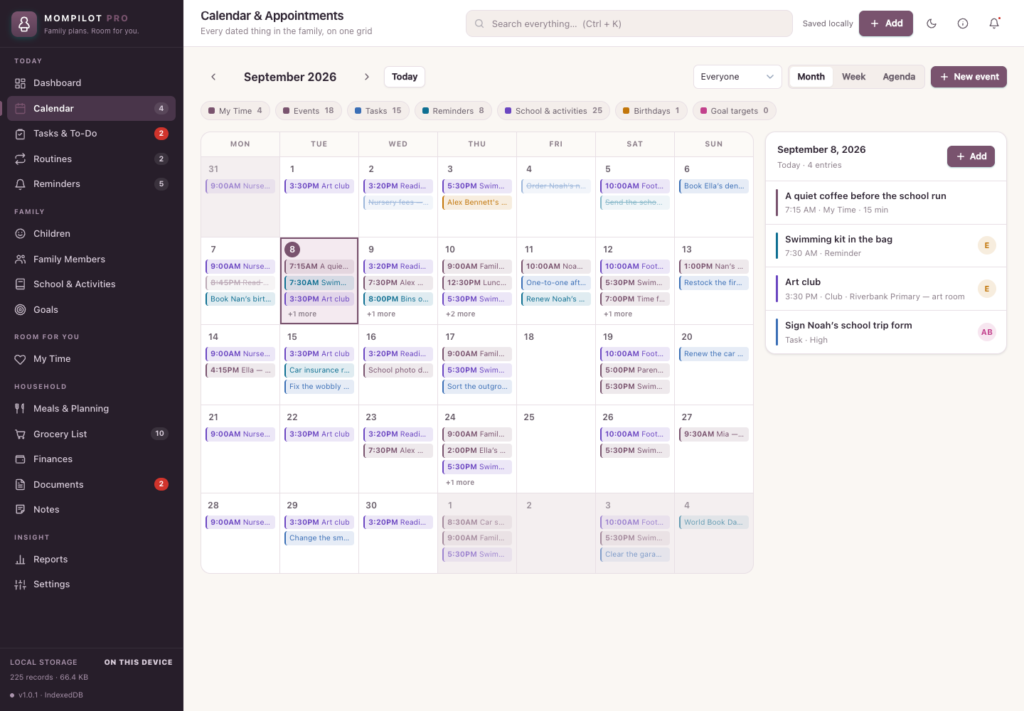
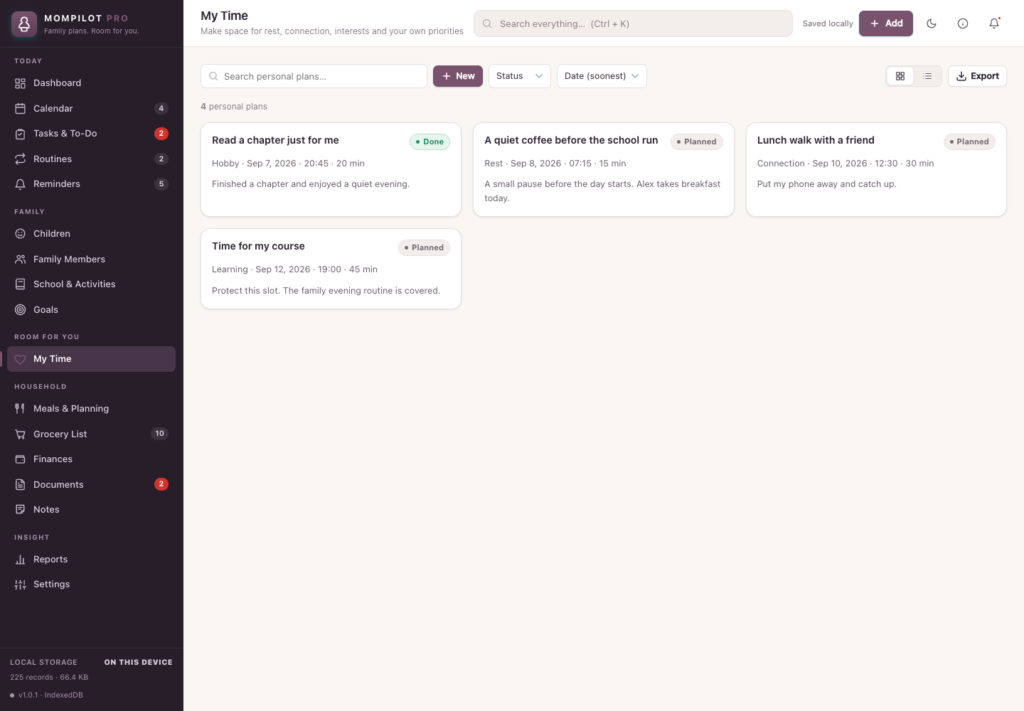


A short recording of the app, then the screens themselves.
$35
One-time purchase · yours to keep
Buy now- One payment - the file is yours to keep
- Works offline, no account, no subscription
- Your data stays on your own device
What's included
- 1 HTML file - the complete application
- 1 Getting Started guide (HTML)
- 1 License file
Delivery
Instant Download
Your files will be available to download once payment is confirmed.
MomPilot Pro is an offline family planner for moms who want a clear view of family life and space for their own priorities. Open one HTML file in desktop Chrome, explore the editable sample household and make the planner your own.
Keep the family in view
Bring appointments, school activities, tasks and reminders together in the calendar. Add children and family members, assign responsibilities and build routines with steps you can check off.
Make room for yourself
My Time holds plans for rest, connection, hobbies, movement, learning and personal errands. Choose a date, time and duration, then mark plans done or paused. Your personal plans appear alongside family commitments.
Plan the everyday details
Build weekly meal plans, send ingredient lists to Grocery List and track what is still needed. Record income and spending manually, set category budgets and review summaries. Keep goals, searchable notes and a document index together.
Your local workspace
Records save in your browser’s local database on your device. Export a full JSON backup, restore a MomPilot backup or export record sections as CSV. Light and dark themes are included. There is no runtime internet requirement, cloud account or subscription.
Before you buy
Supported environment: current desktop Chrome with working IndexedDB storage. Responsive layouts are included; native phone and tablet HTML-file opening is not certified. Records do not travel inside the HTML file: export backups before moving it or changing browsers.
There is no automatic sync or backup, no background notifications and no separate family logins. Documents stores descriptive records, not attachments. This is a personal organizer, not professional advice. Single-user license for private household planning. No resale or redistribution.
Frequently asked questions
Do I need an internet connection or an account?
Only to download the file. After that there is no runtime internet requirement, no cloud account and no subscription.
Which browser does it need?
Current desktop Chrome, with working IndexedDB storage - this is the supported environment for this release. Native phone and tablet HTML-file opening is not certified.
Can I use My Time for things that are not family related?
Yes. My Time holds your own plans for rest, hobbies, movement, learning and errands, shown alongside the family calendar rather than mixed into it.
Does it sync between my phone and my computer?
No. There is no automatic sync. Export a JSON backup on one device and restore it on another when you want them to match.
Where are my family’s records stored?
In your browser’s local database on your device. Records do not travel inside the HTML file itself, so export a backup before moving it or changing browsers.
Is it a subscription?
No. You pay once and the file is yours.
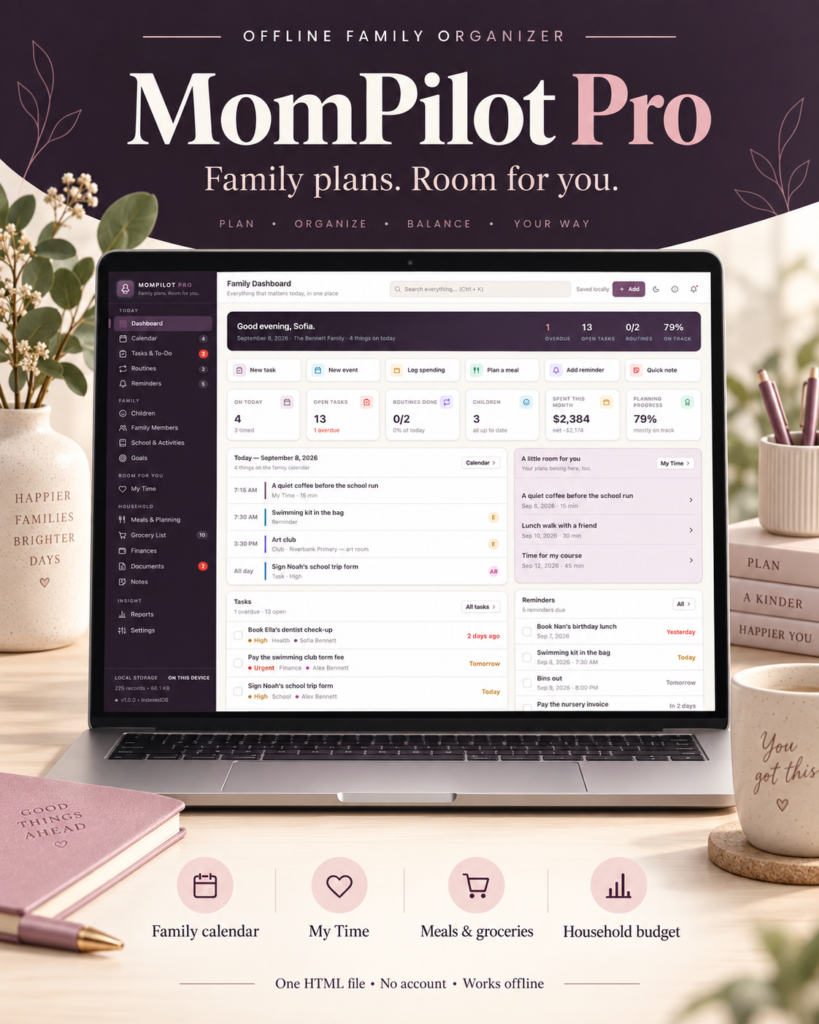
At a glance
How it runs
-
1
Download
You get the application as one HTML file, with its documentation guide and its licence.
-
2
Open
Double-click it. It opens in the browser you already have - Chrome, Edge, Safari or Firefox. There is nothing to install and no account to create.
-
3
Keep
Your records save to that browser on that device. Export a backup from the app whenever you want a copy of your own.


